For macOS 13 or later · Apple silicon and Intel

1132 Meeting Helper

A native Mac menu bar app to investigate selected Zoom state before changing it.

Build 2.4 is Developer ID signed, notarized, stapled, and Gatekeeper checked. It includes trial and voucher support. Affected-Mac testing remains pending.

A local troubleshooting option

Try a different launch before a reset.

The helper starts the Zoom app already installed on your Mac. It does not ask for your Zoom password or replace Zoom.

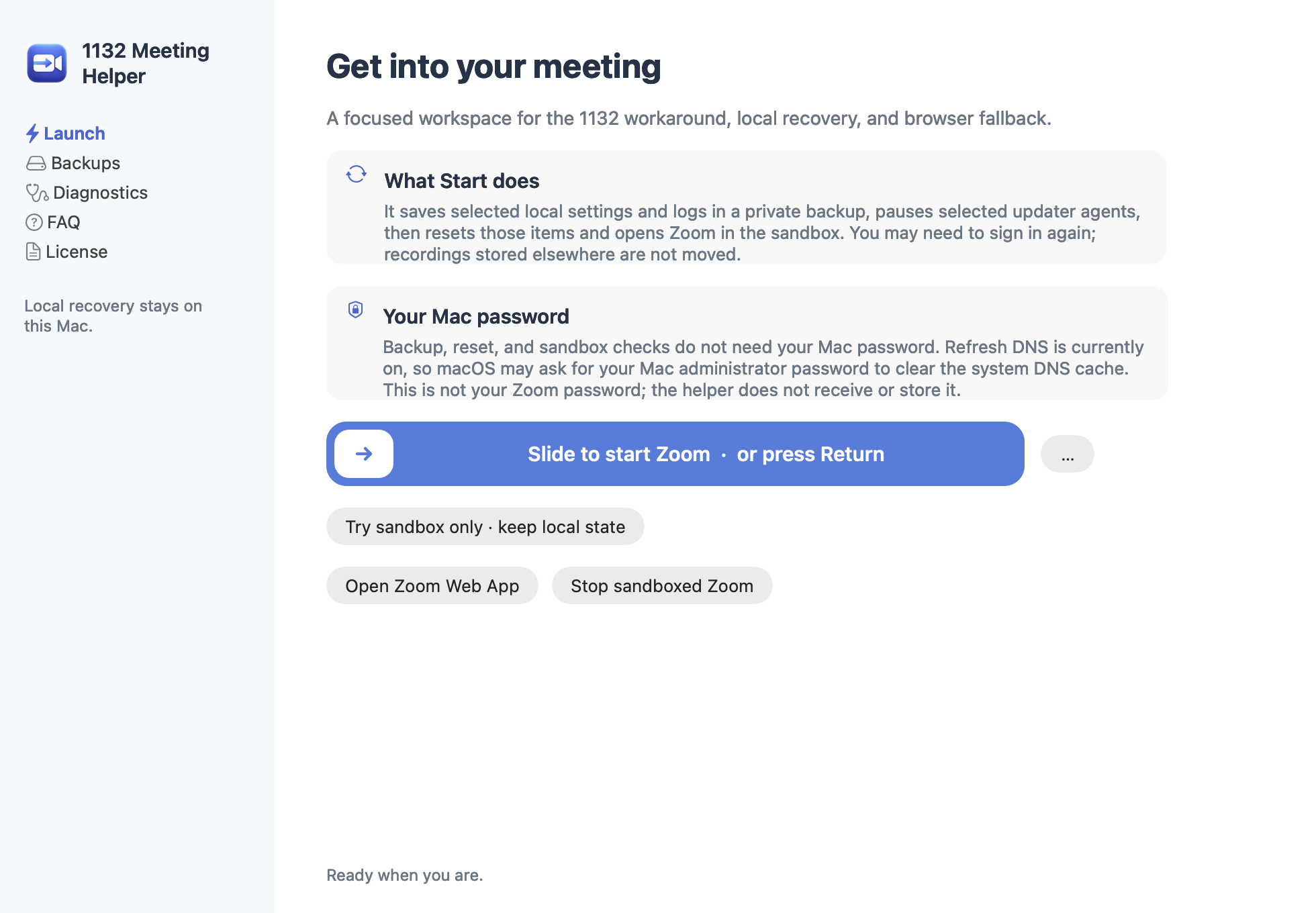
  • Sandbox-only launch: start Zoom under macOS access rules that limit selected system reads, without moving the selected local state.
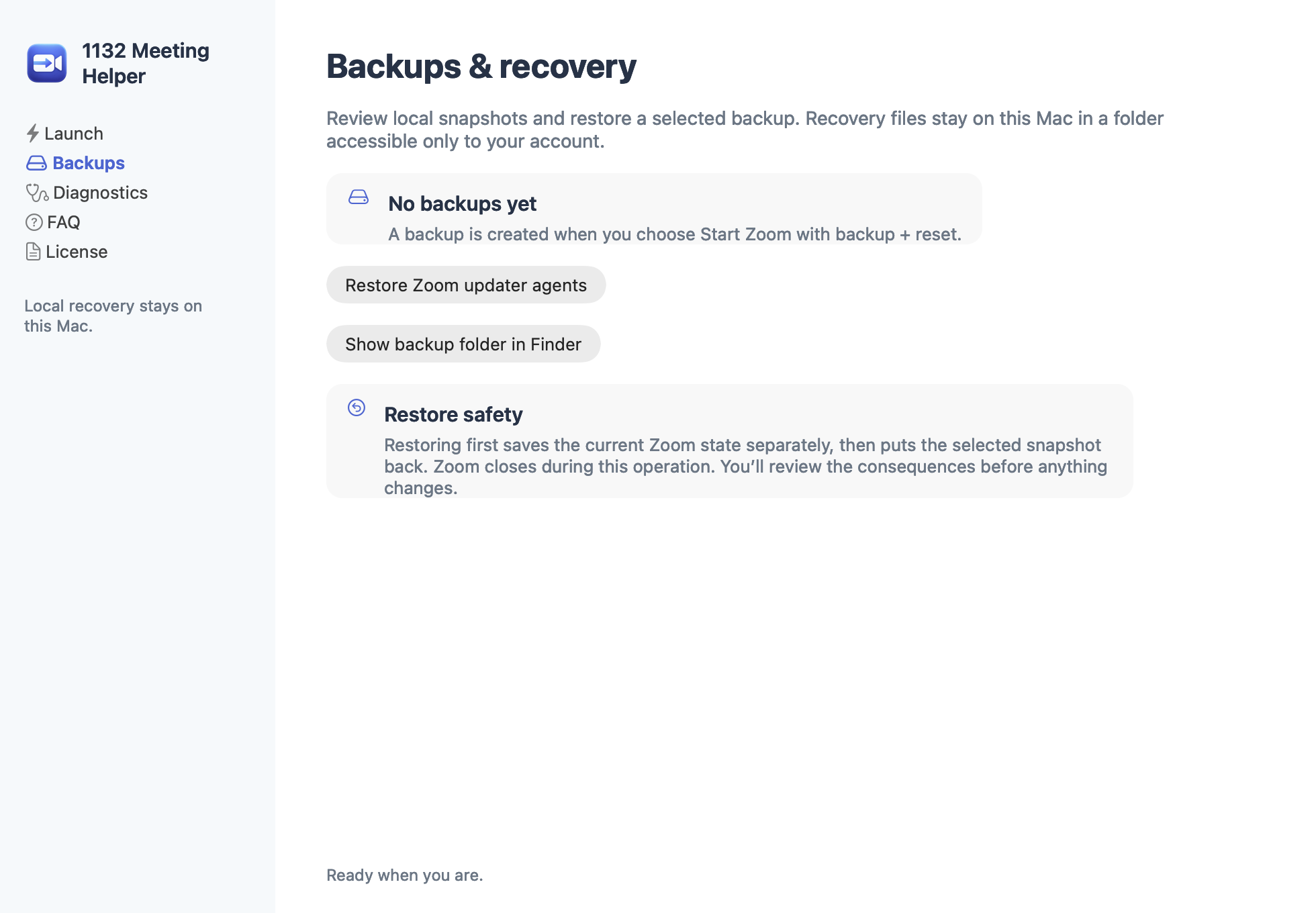
  • Backup before reset: close Zoom, pause selected updater agents, and move selected support, cache, preference, saved-state, and log files into a timestamped backup.
  • Restore controls: restore backed-up files and resume paused updater agents from the helper.

You may need to sign in again. Recordings stored elsewhere are not moved. A local launch cannot change account permissions, meeting settings, network conditions, or Zoom’s decisions, and cannot guarantee admission.

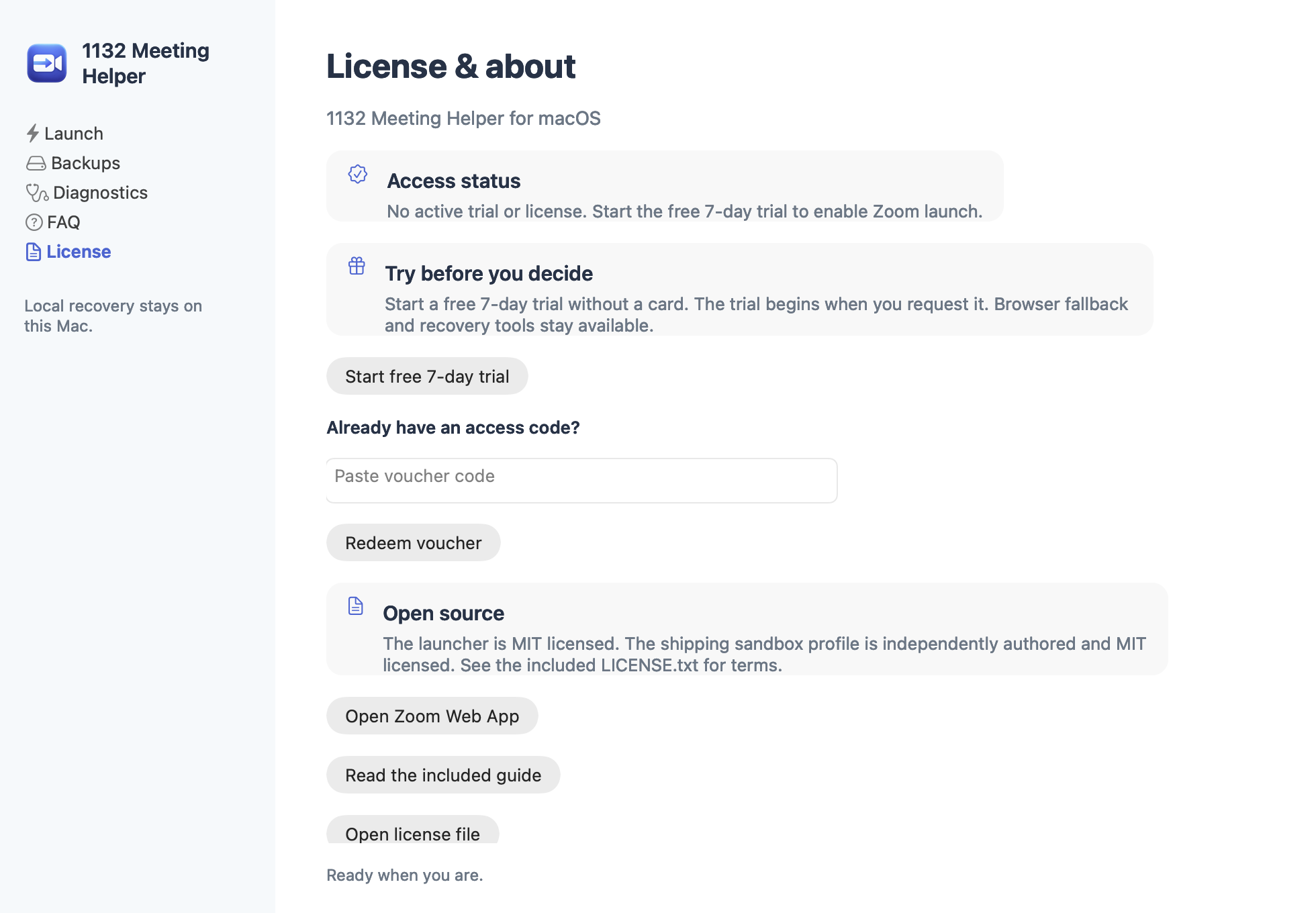
Trying the trial? The seven-day, no-card, no-email trial is available in this 2.4 build. Trial authorization for protected launch requires internet access.

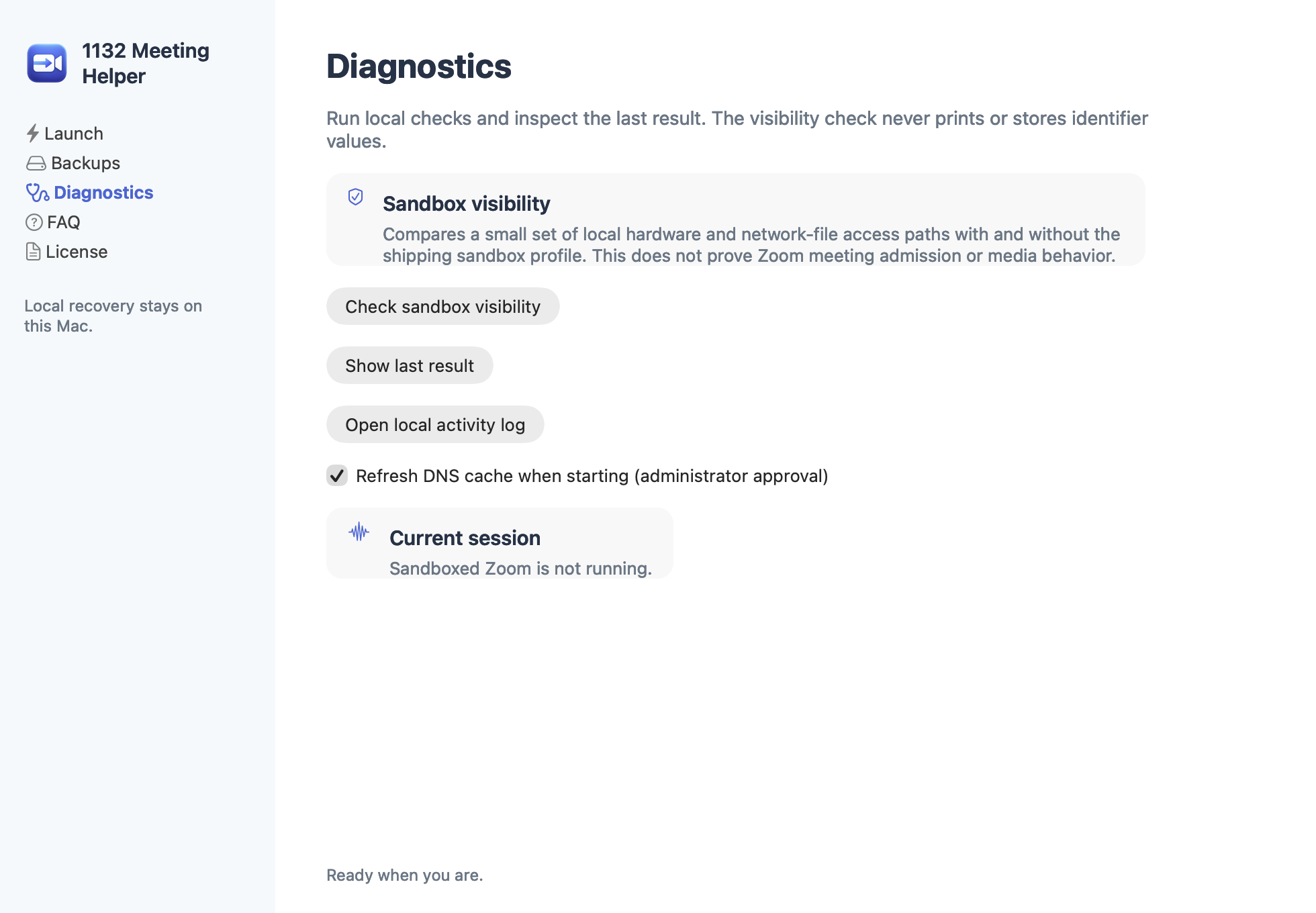
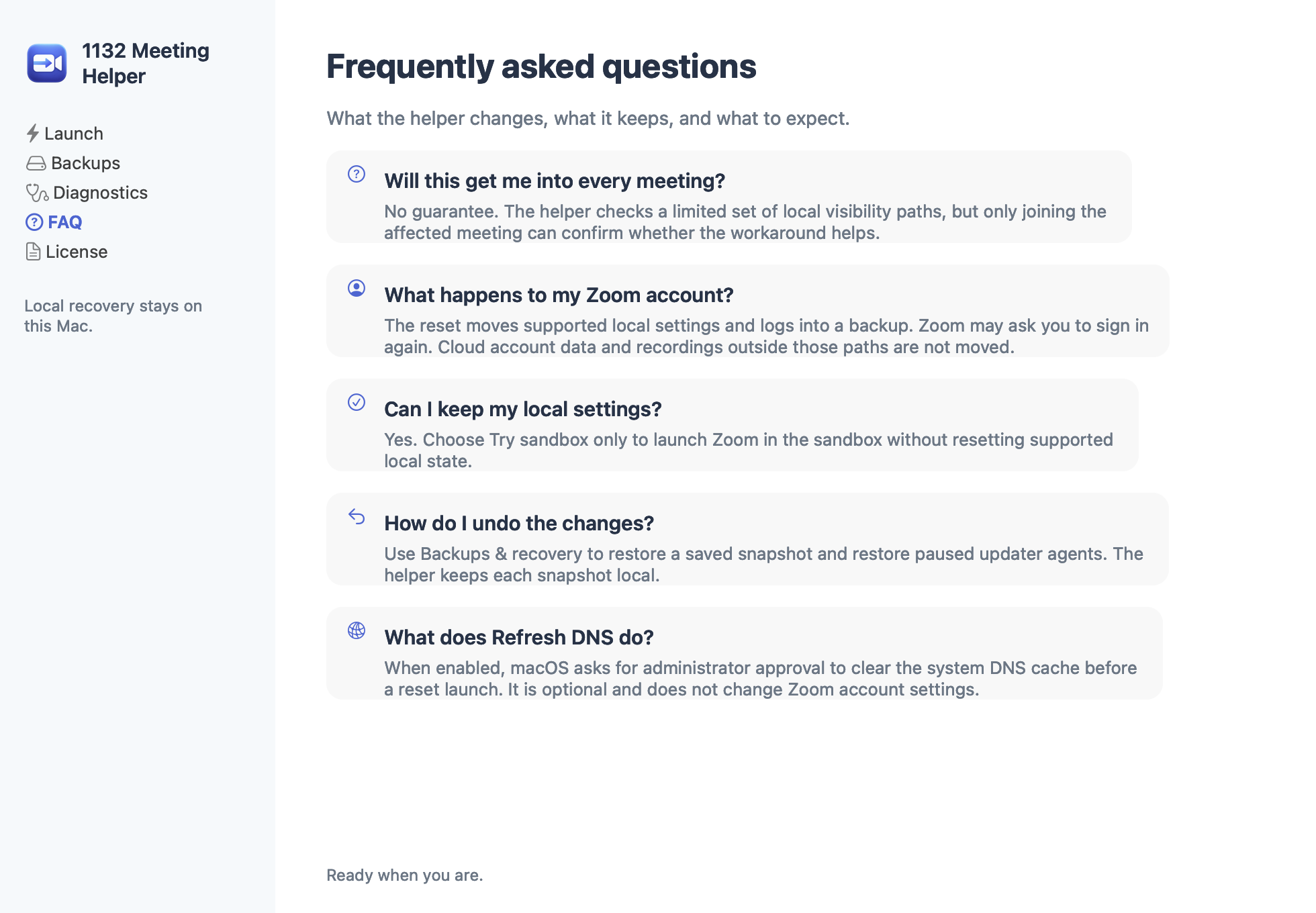
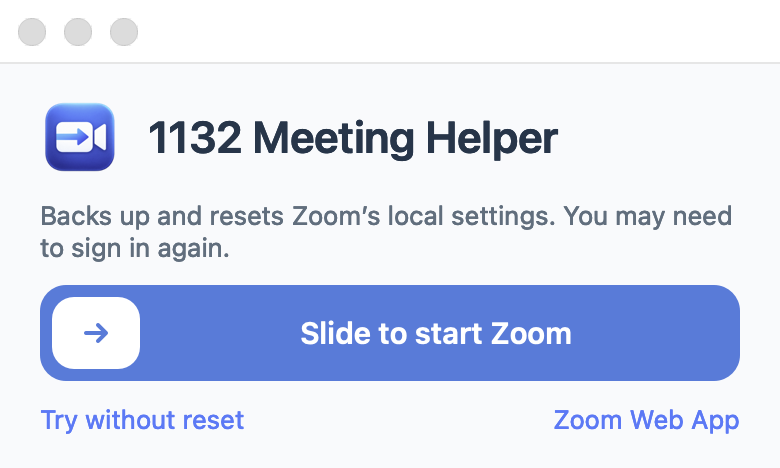
Static image of the native 1132 Meeting Helper welcome window on macOS
Native app view — static imageThis is a captured view of the native Mac app, not an interactive website control. Open full size.

Interactive browser preview

Try the launch slider

⋯

A visual demonstration only. It does not launch Zoom, access local files, or connect to the Mac app.

Drag or use arrow keys to preview.0%

Drag right to 85%, or use arrow keys. Press Home to reset, End or Enter to preview completion. Drag more than 36 pixels vertically to cancel and scroll.

Preview only — no Zoom app will start.
Install

Open the helper from Applications.

The app and installer are Developer ID signed and Apple-notarized. Prefer an archive? Download the universal ZIP.

  1. Move it to Applications

    Open the disk image and drag 1132 Meeting Helper into Applications.

  2. Open the helper

    Quit an older helper copy, then launch the app from Applications.

  3. Choose how to start Zoom

    Allow camera or microphone access if macOS asks. The helper does not replace Zoom.

The independently authored Mac sandbox profile is included under the MIT License. Read the license.

What this test build has not shown

Sandbox-profile visibility checks passed. Affected-Mac testing, including sign-in, meeting admission, camera, and microphone behavior, remains pending. The app has not been shown to resolve error 1132.